
Quick macOS Setup for Web Devs
- Published on
- /3 mins read/...
New Mac? Let's get coding quickly! This guide provides the essential setup for web development on a fresh macOS install. You'll be coding in about 30 minutes .
Quick System Tweaks
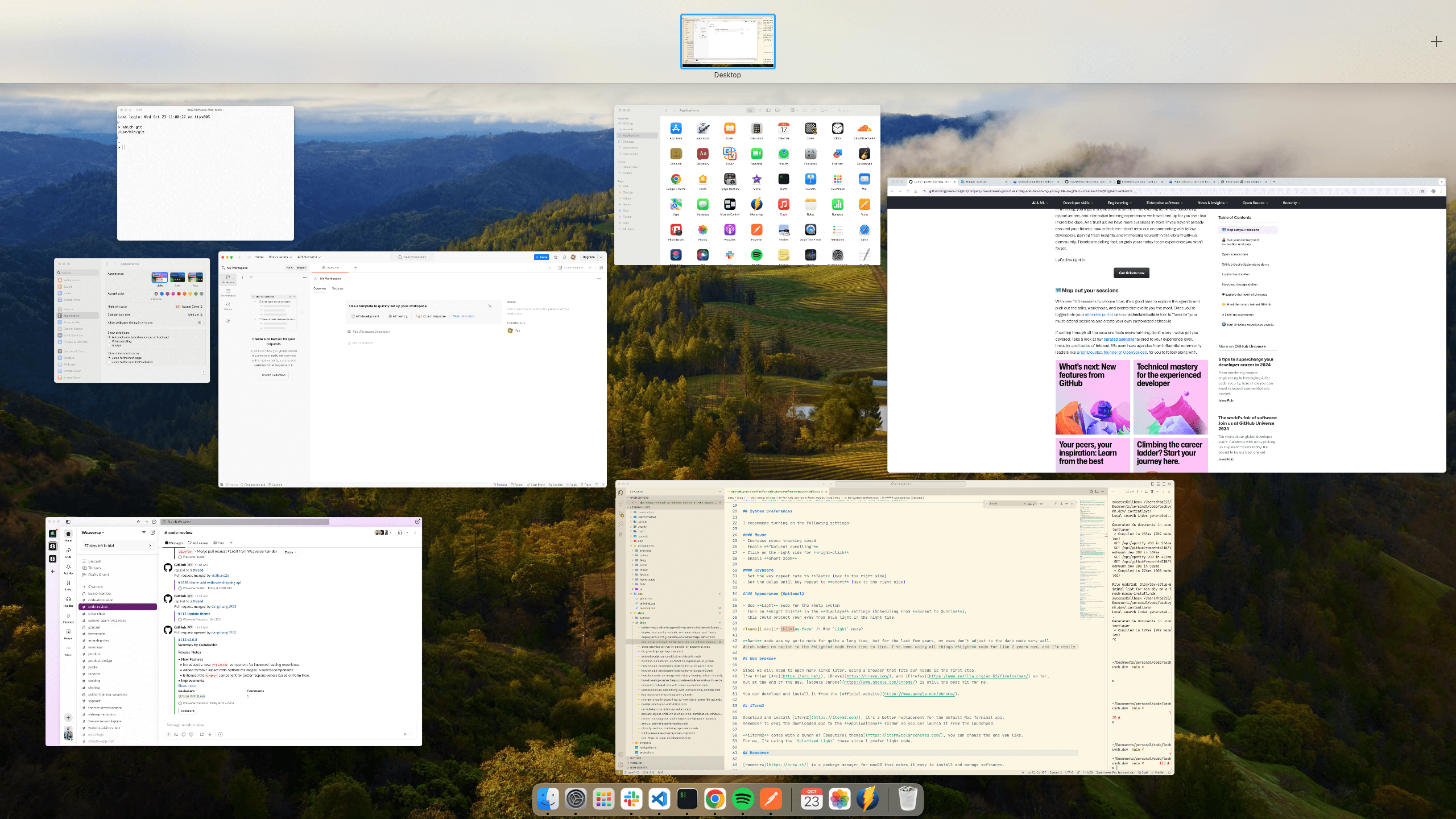
- Mouse:
- Increase tracking speed.
- Enable "Natural scrolling."
- Right-click on the right side.
- Enable Smart zoom.
- Keyboard:
- Set key repeat to "fast" and delay to "short".
- Appearance:
- Consider Light Mode.
- Enable Night Shift (Sunset to Sunrise) for eye protection.
Essential Apps & Tools
- Web Browser: Install Google Chrome (or your preferred browser).
- iTerm2: Download and install iTerm2 (a better terminal). Use your favorite theme, like
Solarized Light.
- Homebrew: Install Homebrew, a macOS package manager:
    xcode-select --install
    /bin/bash -c "$(curl -fsSL https://raw.githubusercontent.com/Homebrew/install/HEAD/install.sh)"
brew doctor # verify installation- Git: Install and configure Git:
    brew install git
    which git # verify installation
    git config --global user.name "your-github-username"
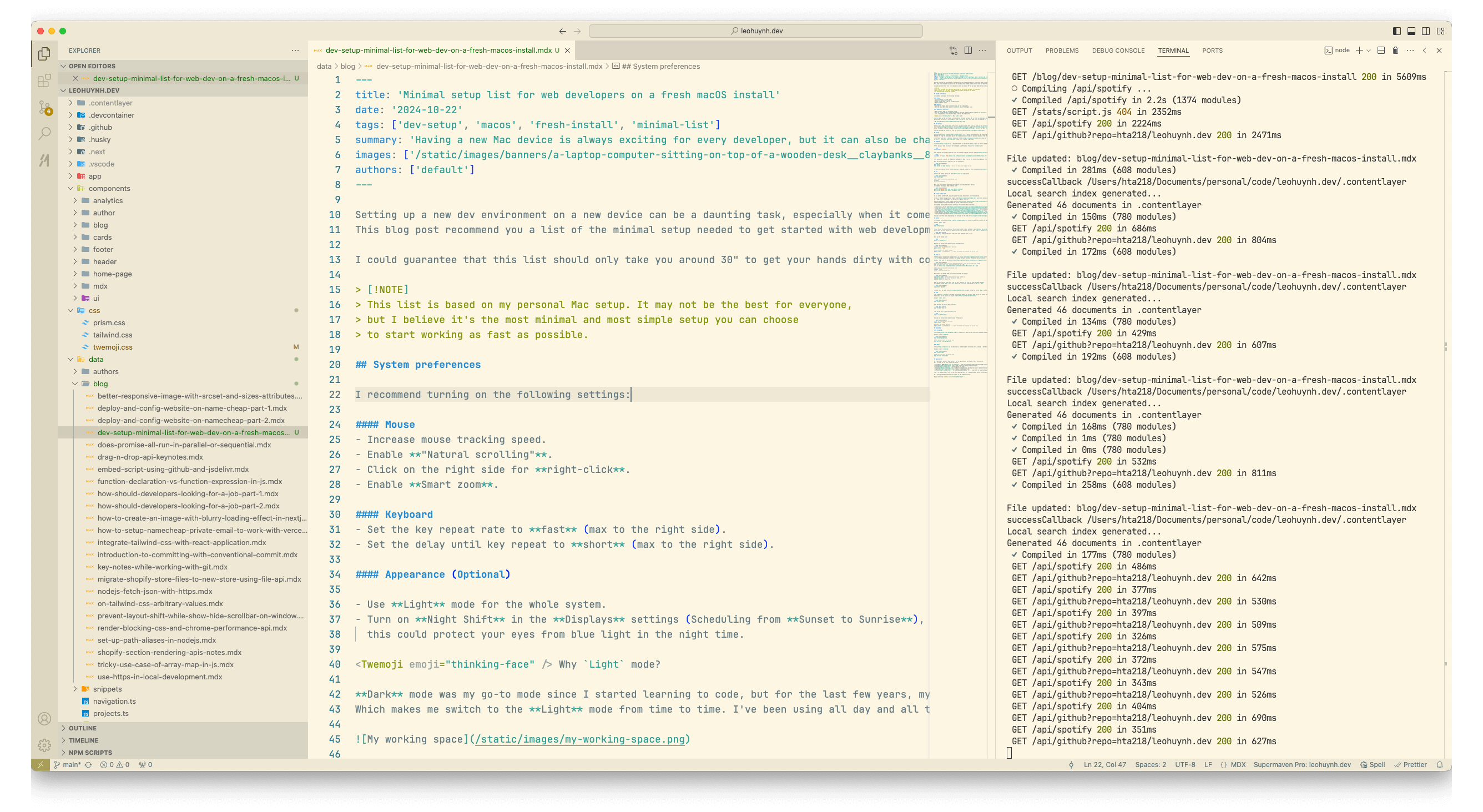
git config --global user.email "your@email.com"- Visual Studio Code: Install VS Code (or your preferred IDE). Consider these extensions:
- Python: Install Python using Pyenv:
    brew install pyenv
    # Follow terminal instructions, and add `eval "$(pyenv init -)"` to .bash_profile
    source ~/.bash_profile
    pyenv install --list # List available versions
pyenv install 3.12.x # Install the latest (example)- Node.js: Install Node.js with NVM:
    curl -o- https://raw.githubusercontent.com/nvm-sh/nvm/v0.40.1/install.sh | bash
    command -v nvm # Verify installation
    nvm install node # Install latest
    nvm use node # Use latest
Install pnpm for fast package management:
npm install -g pnpm- Ruby: Install Ruby using rbenv:
    brew install rbenv
    # add `eval "$(rbenv init -)"` to .bash_profile
    source ~/.bash_profile
     rbenv install --list
rbenv install 3.x.x # Replace 3.x.x with the latest- Databases:
- PostgreSQL:
      brew install postgresql
      brew services start postgresql
# Create a new user
sudo -u postgres createuser -s <username>
# Create a database
sudo -u postgres createdb <database-name> -O <username>
# Connect to the database to verify if it works
psql -d <database-name> -U <username>- Redis:
      brew install redis
      brew services start redis
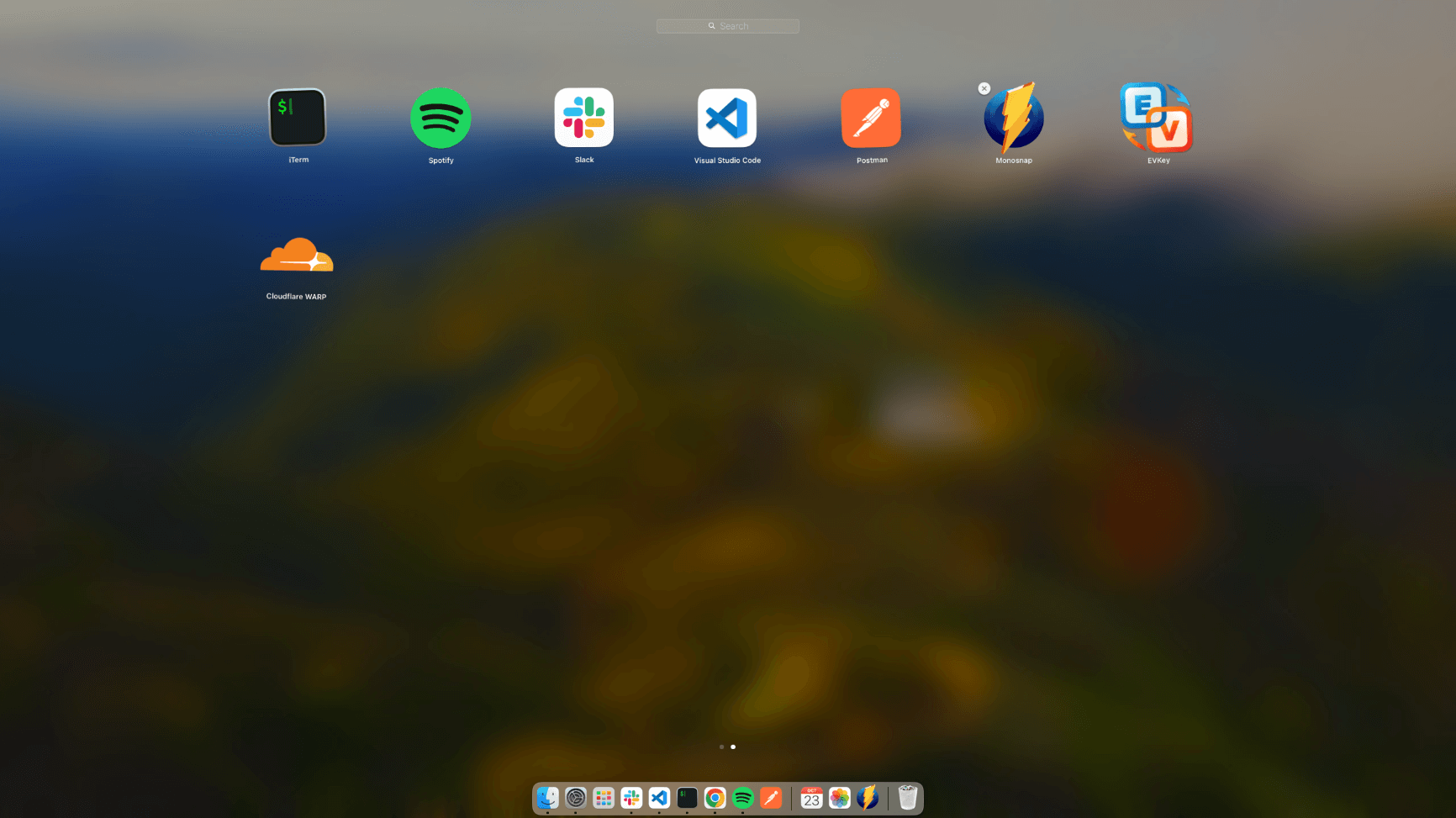
redis-cli ping # Test the connection to the server- Applications:
- Cloudflare WARP (faster, secure internet)
- Postman (API testing)
- Slack (team messaging)
- Monosnap (screenshot tool)
- Spotify (music)
- EVKey (Vietnamese typing, if applicable)
Optional Tools:
- Docker
- Git GUI (Sourcetree, etc)
- direnv
That's it – the essentials for quick web development setup on macOS!
Let me know if you have questions .